
Innovative BAS graphics crafted by our exceptional in-house designers.
Our talented mix of creative and technical staff offers BAS graphics services, 3D design and animation, video production, and much more.
Our Services
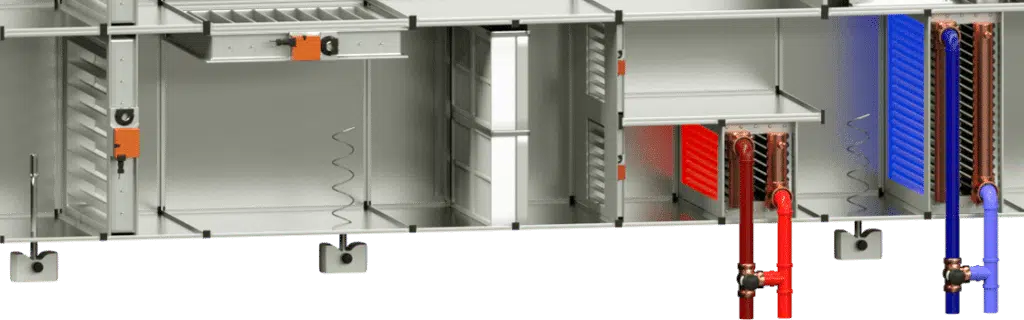
Our trained mechanical graphical staff are the leading developers in BAS graphics…
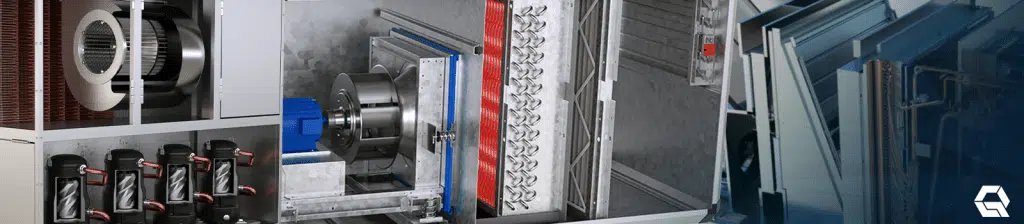
Showcase your products, services and ideas with professional 3D design and animation solutions…
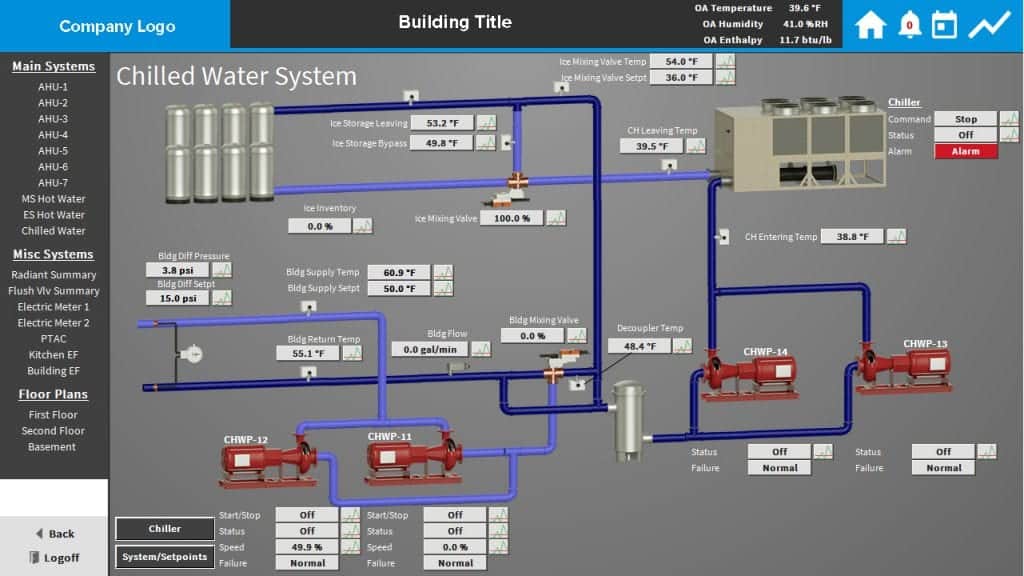
Use the power of our 3D design team to update your control system graphics with a fully…
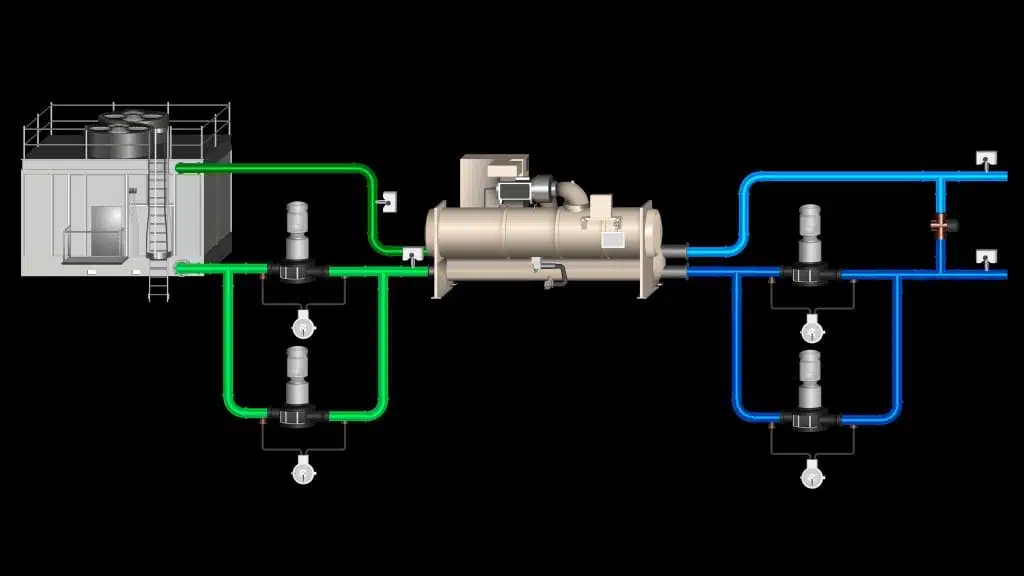
Use the power of our 3D design team to update your control system graphics with a fully…
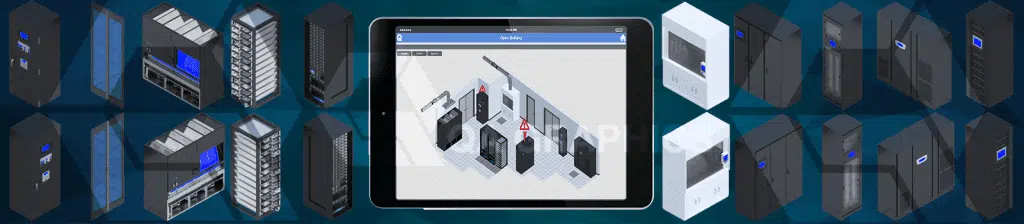
These BAS graphics are provided for more specialized rooms where there would be multiple systems…
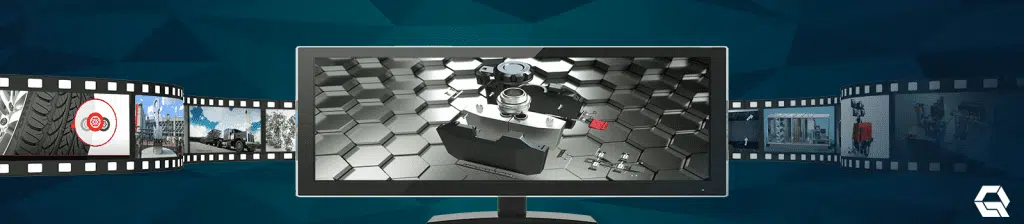
Video is the future of content marketing. If you want to take your marketing to the next level…
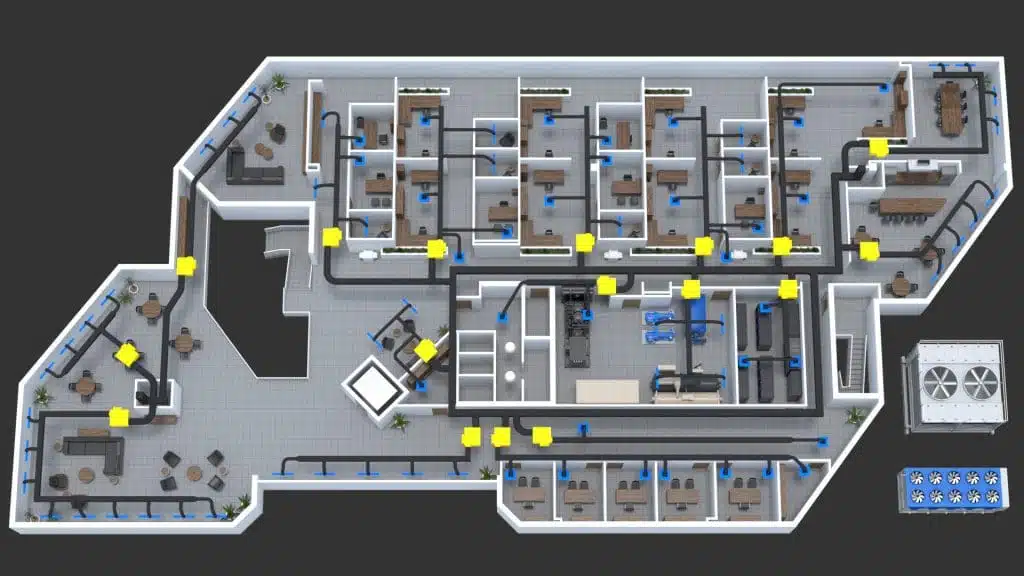
Bring your buildings to life with custom 2D or 3D floor plan graphics. QA Graphics offers a variety…
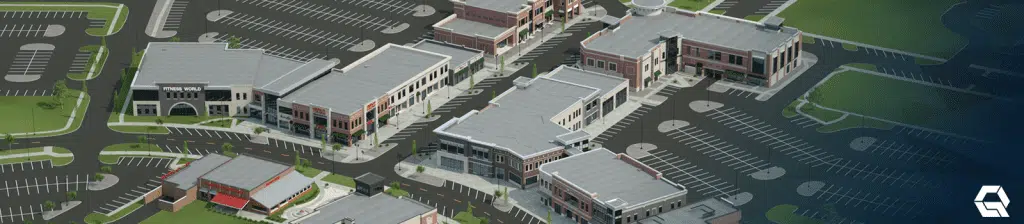
Site maps and 3D renderings of building concepts will bring your project plans to the next level…

Centered in the heart of Iowa, we bring the mid-western work ethic to all of our projects and services.
BAS Services
Our graphics team consists of mechanical engineers, architects, drafters and others to prove comprehensive solutions for the building controls industry. We’ve completed custom HVAC symbol libraries for most of the industry’s largest control companies’ buildings automation software. We’ve worked with Johnson Controls, Inc., Trane, Tridium, KMCControls, Siemens Building Technologies, Iconics and others.
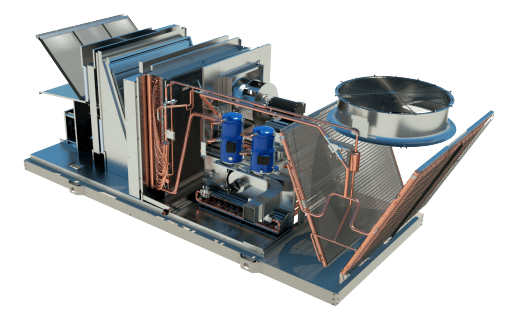
Slide Your Mouse Over.
3D Motion Graphics & Animation
As technology continues to evolve, so do viewers’ expectations. Our video team uses the latest technologies to produce professional animated videos, motion graphics, and other visual effects. We’ll bring your business to life with high-end graphics, 3D animations, and voice-over capabilities.
Subscribe for Updates
Fill out the following form to have our latest news and updates delivered right to your inbox! To inquire about a service please fill out our contact form.
Our Customers




Our Latest Posts
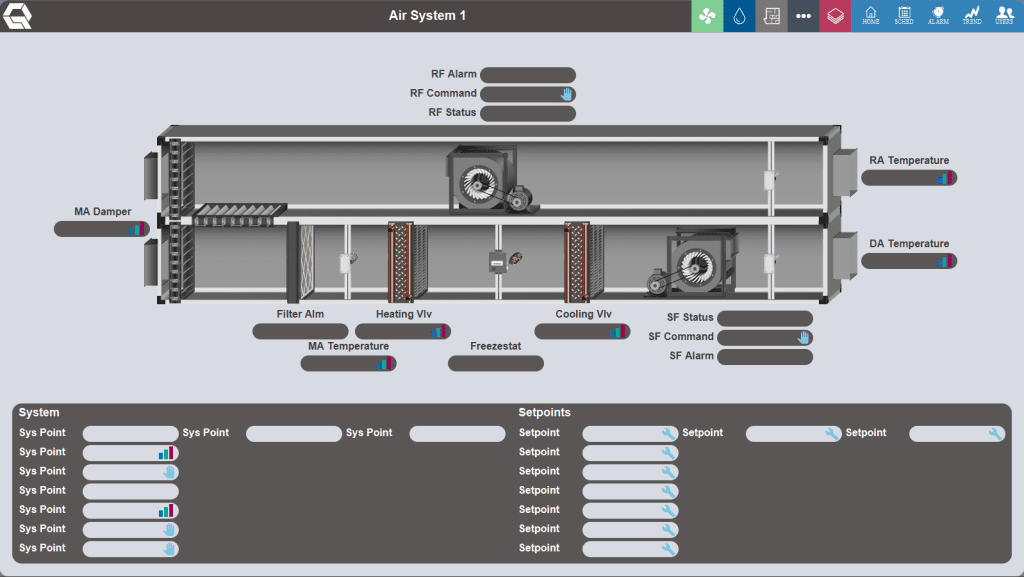
Outsourcing graphics for building automation systems to specialized firms like QA Graphics offers several advantages for system integrators. 1. Specialized […]
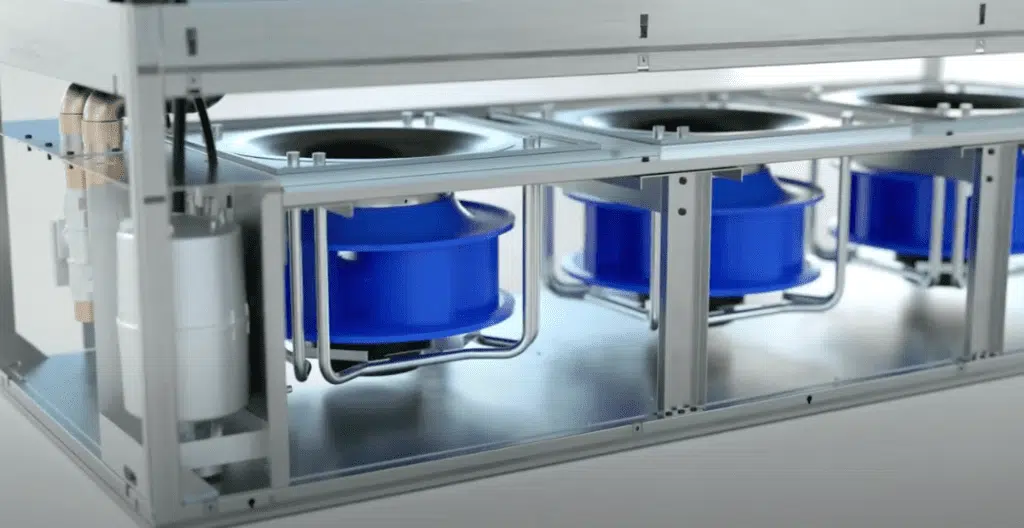
QA Graphics’ 2024 Demo Reel showcases our latest work in BAS graphics, 3D design, and video production. Our team focuses […]
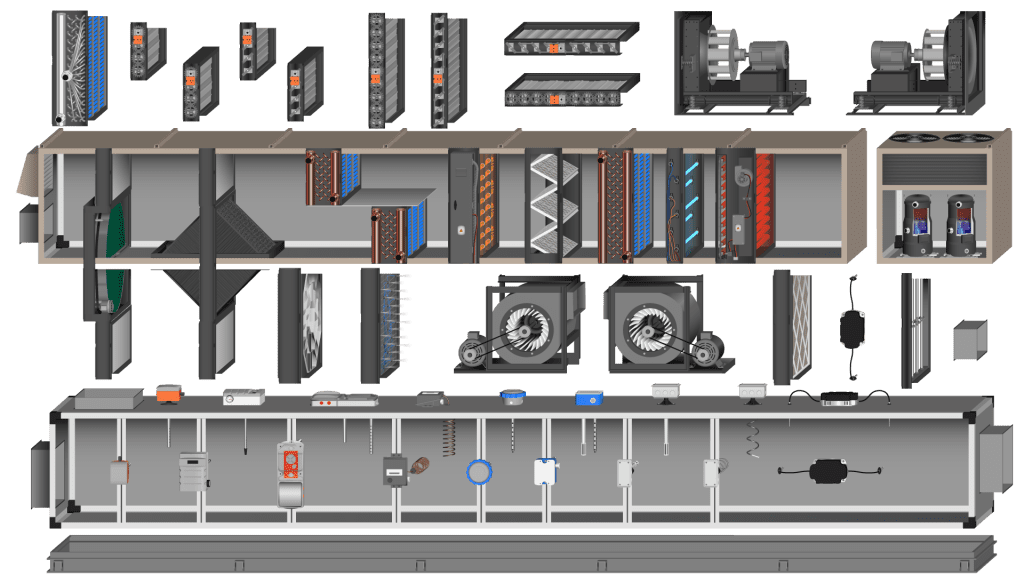
Originally, BAS graphics were rudimentary, primarily text-based. The graphical representation was confined to simple diagrams and charts, often shown on […]